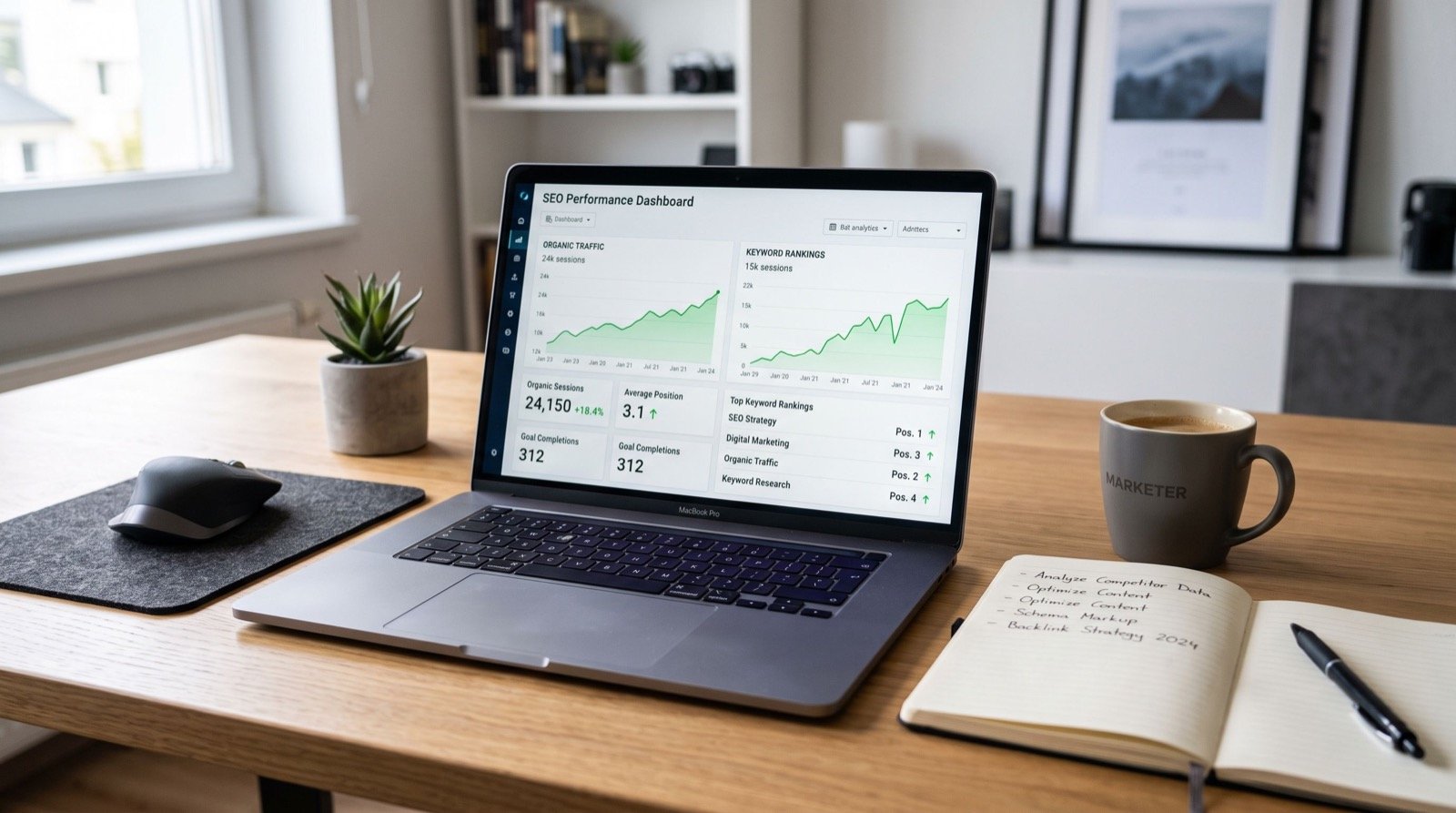

Technical SEO Checklist 2026 for Pakistani Websites
A technical SEO checklist is the cheapest way to find out why a good website still sits on page three. Great content cannot rank if search engines struggle to crawl it, if pages take six seconds to load on a mobile connection, or if duplicate versions confuse Google. Many Pakistani business sites have exactly these problems.
This checklist covers the checks that matter most in 2026. You can work through it yourself, then hand the harder items to a developer or agency.
Why Technical SEO Comes First
Think of your site as a shop. Content is the stock on the shelves, but technical SEO is the door, the lighting and the sign outside. If the door is jammed, nobody sees the stock.
Technical issues also waste your existing effort. We have seen sites that published fifty articles, yet a single misplaced tag told Google to ignore all of them. Fixing it took ten minutes.
Step-by-Step Technical SEO Checklist
1. Make sure Google can crawl and index your pages
Open Google Search Console and review the Pages report. It lists which URLs are indexed and why others are not. Common reasons include “Crawled, currently not indexed”, noindex tags and blocked resources.
- Check that robots.txt does not block important folders.
- Submit an XML sitemap and confirm it lists only live, canonical pages.
- Remove stray noindex tags left over from the development stage.
2. Use HTTPS and a single preferred version
Your site should load on HTTPS only. Redirect the www and non-www versions so one is the main address, and use 301 redirects instead of temporary ones. Mixed content, where secure pages load insecure images, should be cleaned up too.
3. Improve Core Web Vitals
Google measures loading speed, responsiveness and layout stability. Test your key pages with PageSpeed Insights, using the mobile result as your main guide, because most local visitors browse on phones.
Quick wins include compressing images to WebP, enabling caching, removing unused plugins and choosing a hosting plan with servers close to your audience. Pages hosted far away from Pakistan often respond slowly.
4. Fix site structure and internal links
Important pages should be reachable within three clicks of the homepage. Use descriptive anchor text in links, and avoid orphan pages that nothing points to. A clear structure helps both visitors and crawlers understand which pages matter.
5. Handle duplicate content with canonical tags
Online stores often create several URLs for one product through filters and sorting. Canonical tags tell Google which version to rank. Check that each page points to itself or to the correct main version.
6. Add structured data
Schema markup helps search engines read your pages. Useful types include Organization, LocalBusiness, Product, Article and FAQ. Test your markup with Google’s Rich Results Test and fix any errors before launch.
What Is the Most Important Technical SEO Factor?
There is no single winner, but indexability comes closest. If a page is not indexed, nothing else about it matters. After that, speed and mobile usability affect almost every visitor, so they deliver the broadest return for the effort.
Start with indexing, then speed, then structure. This order avoids polishing details on pages Google cannot even see.
Priority Table: What to Fix First
| Issue | How to check | Priority | Typical fix time |
|---|---|---|---|
| Pages not indexed | Search Console Pages report | Critical | Hours to days |
| Slow mobile loading | PageSpeed Insights | High | Days to weeks |
| Broken links and 404 errors | Crawler such as Screaming Frog | Medium | Hours |
| Duplicate URLs | Site search and canonical audit | Medium | Days |
| Missing schema | Rich Results Test | Low to medium | Hours |
Technical SEO Mistakes We See in Pakistan
Several patterns repeat across local sites. Knowing them saves you an audit fee.
- Heavy page-builder themes that load megabytes of unused code.
- Uncompressed hero images uploaded straight from a phone camera.
- Staging sites left open to search engines, creating duplicates.
- Expired SSL certificates after a hosting change.
- Menus built only with JavaScript so crawlers cannot follow links.
An easy habit prevents most of these: run a quick crawl after every major change to your site, and compare it to the previous one.
Tools That Make the Audit Easier
You do not need an expensive suite. Google Search Console and PageSpeed Insights are free and authoritative. A crawler like Screaming Frog handles up to 500 URLs without payment, which suits most small sites. For deeper log analysis or large catalogues, a paid platform can pay for itself.
Google’s own documentation is the best reference for what counts as correct. Its SEO Starter Guide explains crawling, indexing and page experience in plain language, and it is updated as search changes.
When to Get Expert Help
If the checklist uncovers server-level problems, JavaScript rendering issues or a migration, bring in help. Among quality service providers, look for ones who show you before-and-after data from Search Console rather than vague promises.
For businesses seeking a full-service partner, the Best Marketing Agency Karachi is one option to review, and you can also compare it with a Marketing Agency Karachi shortlist from other sources before you decide.
Frequently Asked Questions
How often should I run a technical SEO audit?
Run a full audit twice a year and a light check monthly. Always audit after a redesign, a hosting change or a big plugin update.
Can I do technical SEO without coding skills?
Yes, for many tasks. WordPress plugins handle sitemaps, redirects and schema. Server speed and rendering problems usually need a developer.
Does site speed really affect rankings?
It is a ranking factor, though not the strongest. It matters more for conversions, because slow pages lose visitors before they read anything.
Why is Google not indexing my new pages?
Common causes are noindex tags, weak or duplicate content, no internal links and a crawl budget wasted on low-value URLs. Request indexing in Search Console after fixing the cause.
Conclusion
A regular technical SEO checklist keeps your site healthy and makes every article and product page work harder. Start with indexing, then speed, then structure and schema. Fix one item at a time, record the date and recheck in Search Console two weeks later. Small, steady technical improvements in 2026 will quietly lift every other part of your marketing.